
Requirement: Show charts by Business process stages.
Visualization:

Implementation:
IF you think it is straight forward, no it is not – there needs to be work done before it is possible to achieve this. The reason being CRM only stores staged and processeid (Not the actual stage and process names). So Part 1 of this task is to
Part 1 Set Text fields for Current Process and Stage: Workflow
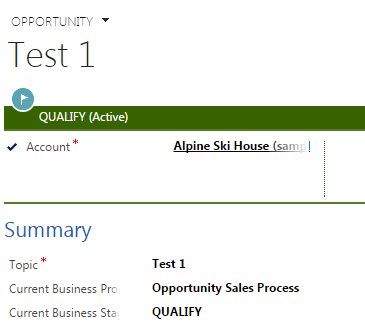
Look at image above, in my case I added two text fields in Opportunity to store Business process stage and Business Process selected.
Workflow below:
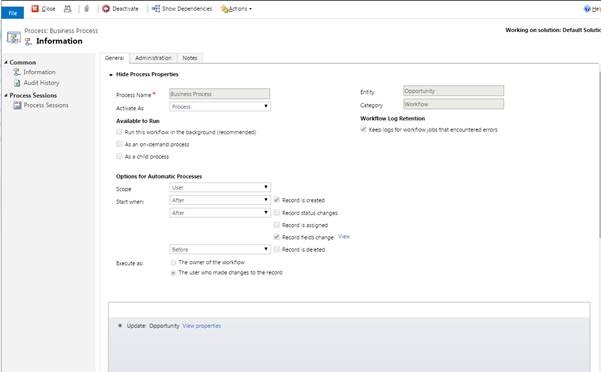
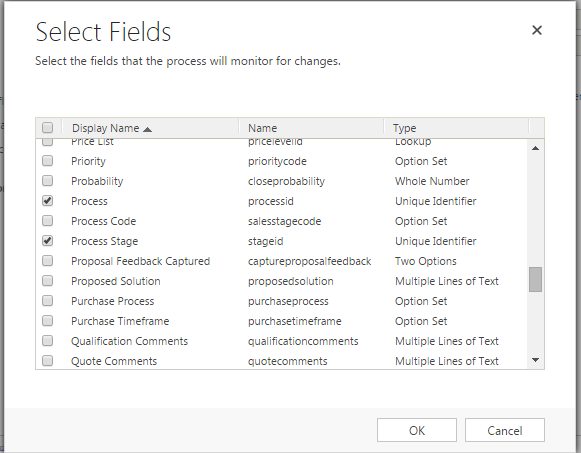
Should run on change of following fields:
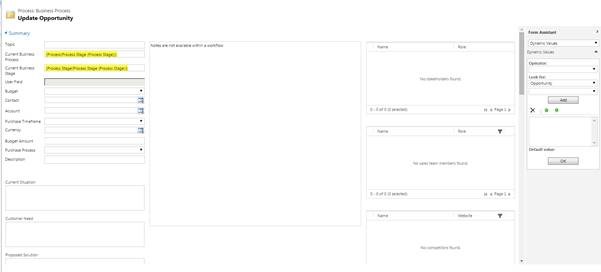
Update Opportunity Step:
Part 2: Now start working on charts:
Refer screens below to configure charts:
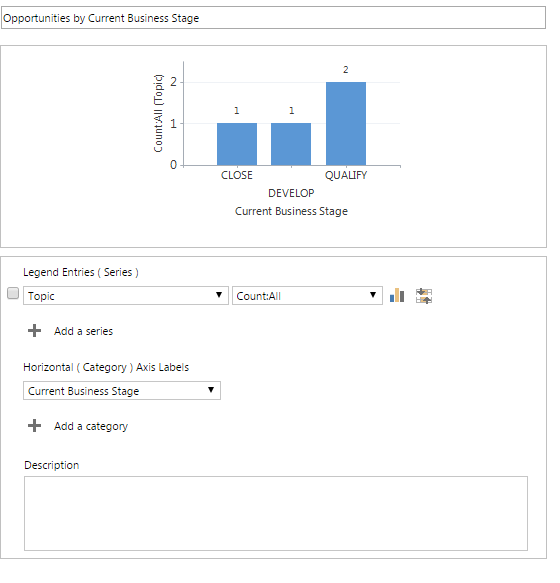


Now this can be added to Dashboards, to get an overview of Business Process stages.
Ask your Query : Click here
Hope it helps!
 MSDYNAMICSBLOG BY DEEPESH