
Many times we want to define pre-defined Themes inside Power Platform Canvas Apps. Here is a quick look at Themes feature in Canvas Apps which can help us to change the overall theming of our Canvas Apps which we will cover in Blog 5 of the series Power 2020.
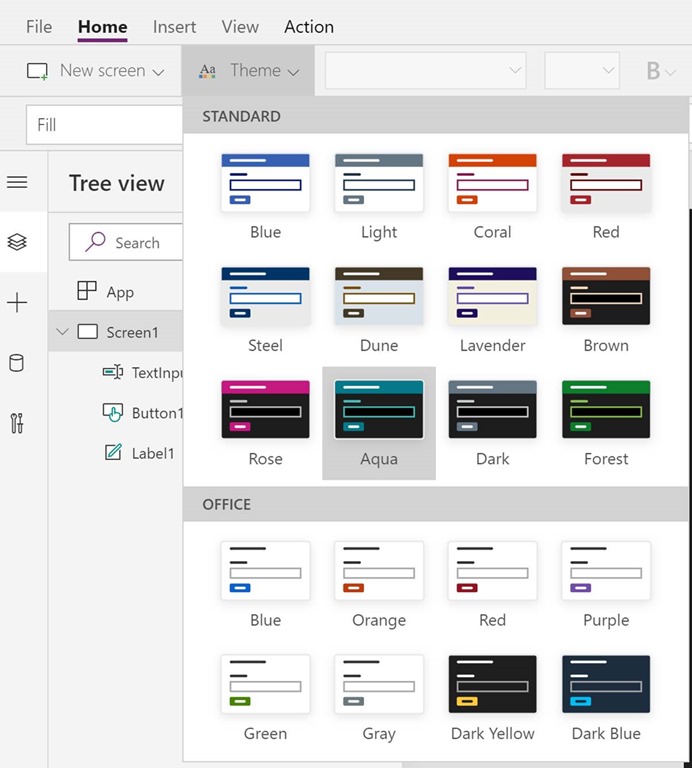
Under the Home tab we have theme option available and can be used to change the pre-set look and feel of Canvas Apps. The table below describes out of box available options and the look and feel of the App:
| Theme | Screen Appearance |
| Blue |  |
| Light | 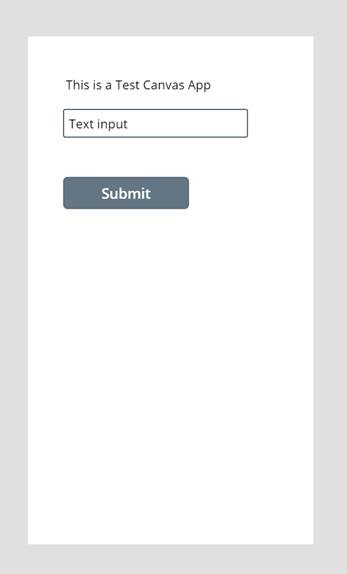 |
| Steel | 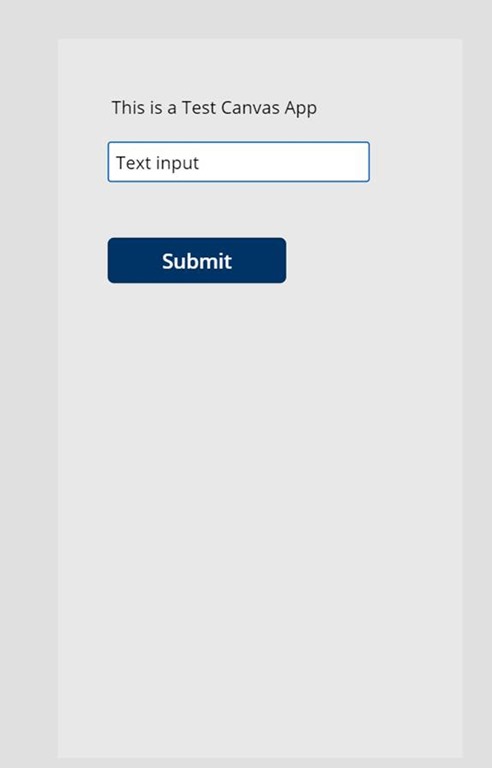 |
| Aqua |  |
There are variety of options available. Themes can be changed from Home -> Themes
Hope it helps and Power 365ing as usual!
Any problem in CRM – end user,Microsoft partner or an individual?
Problem Area – Technical, Functional, Training, Development or consulting?
I am here to help, get in touch here: Click here
ABOUT THE AUTHOR:

 MSDYNAMICSBLOG BY DEEPESH