
In this blog, we will learn about how to use Microsoft Copilot for creating Canvas apps in Dynamics 365,You can use Microsoft Copilot to generate code for your canvas apps based on natural language descriptions
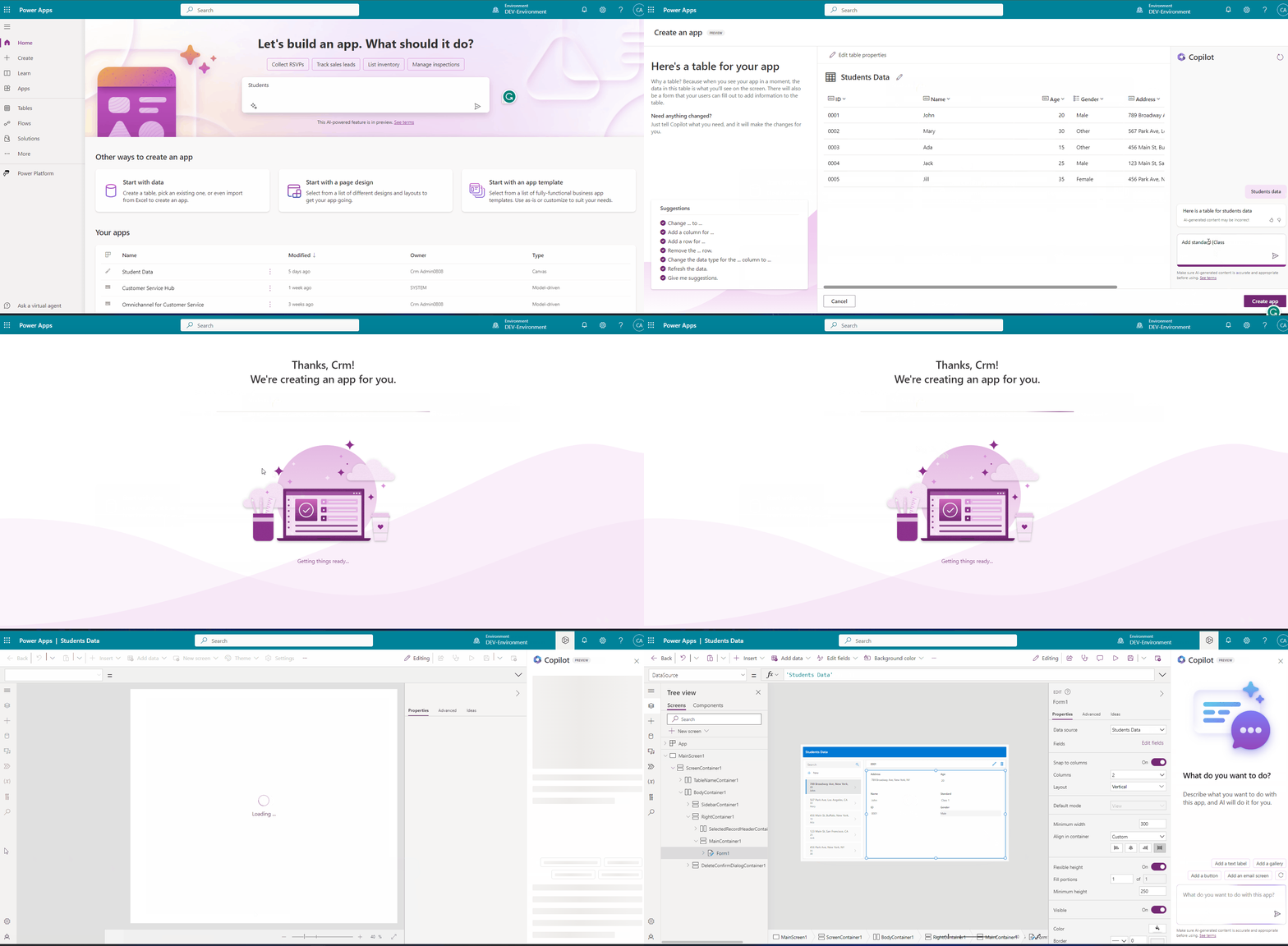
- After the recent update of June 2023, we can see the text box on the “Home” page of the Power platform for creating the Canvas app just by describing it.
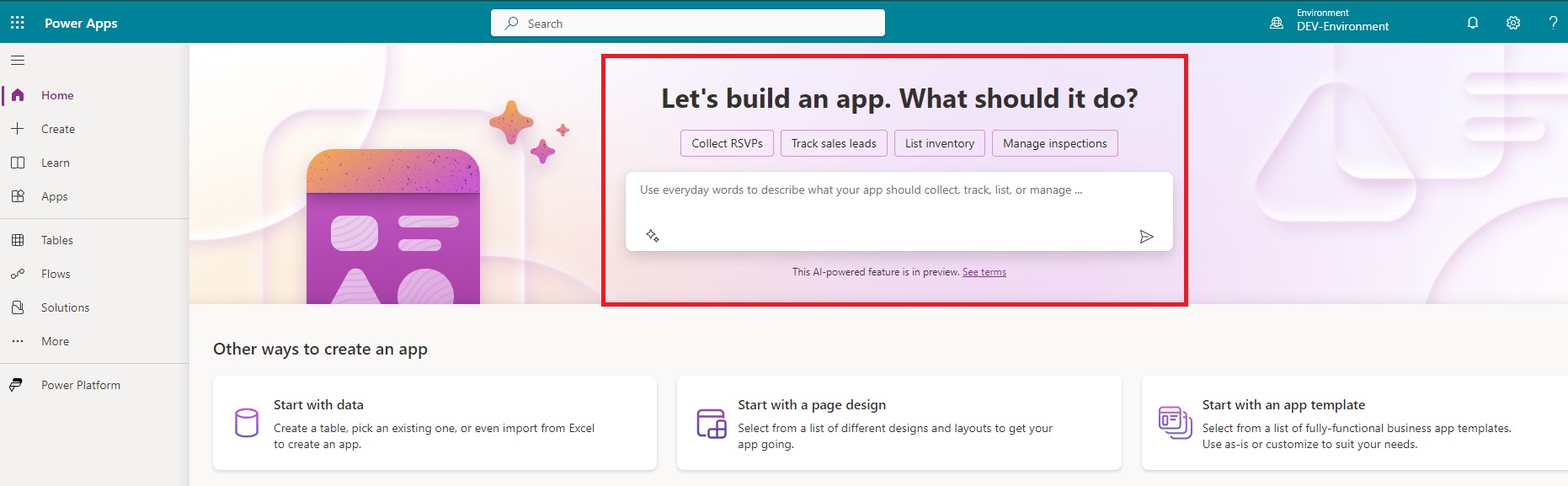
- Let’s create an app.
- Here, we are creating an app that contains employee data.
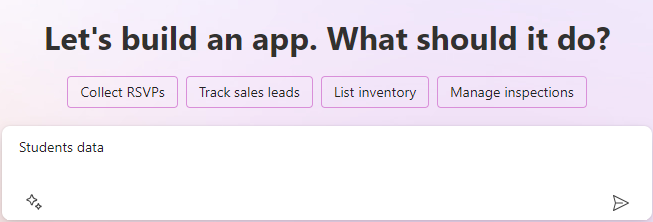
- It will suggest you some sample data before creating an app.
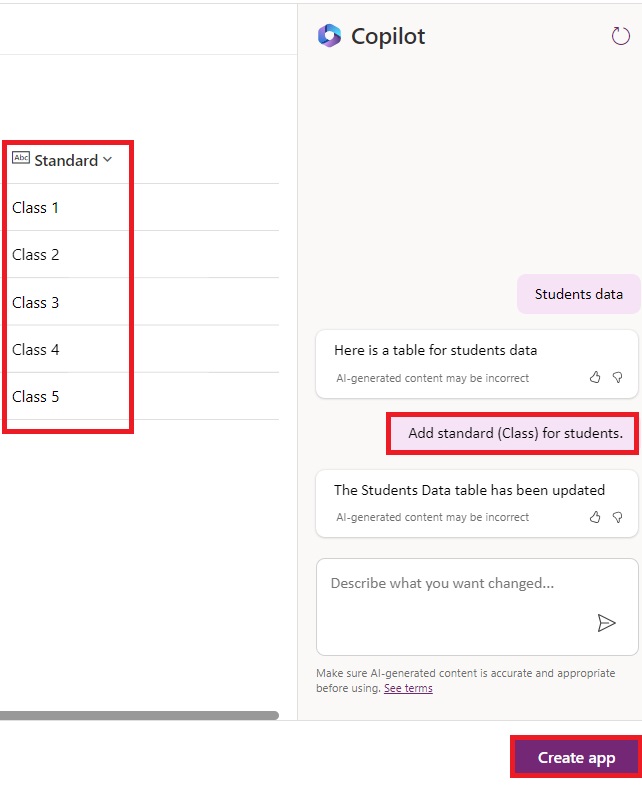
- You can even add more fields just by describing them in the text box given at the bottom right corner.
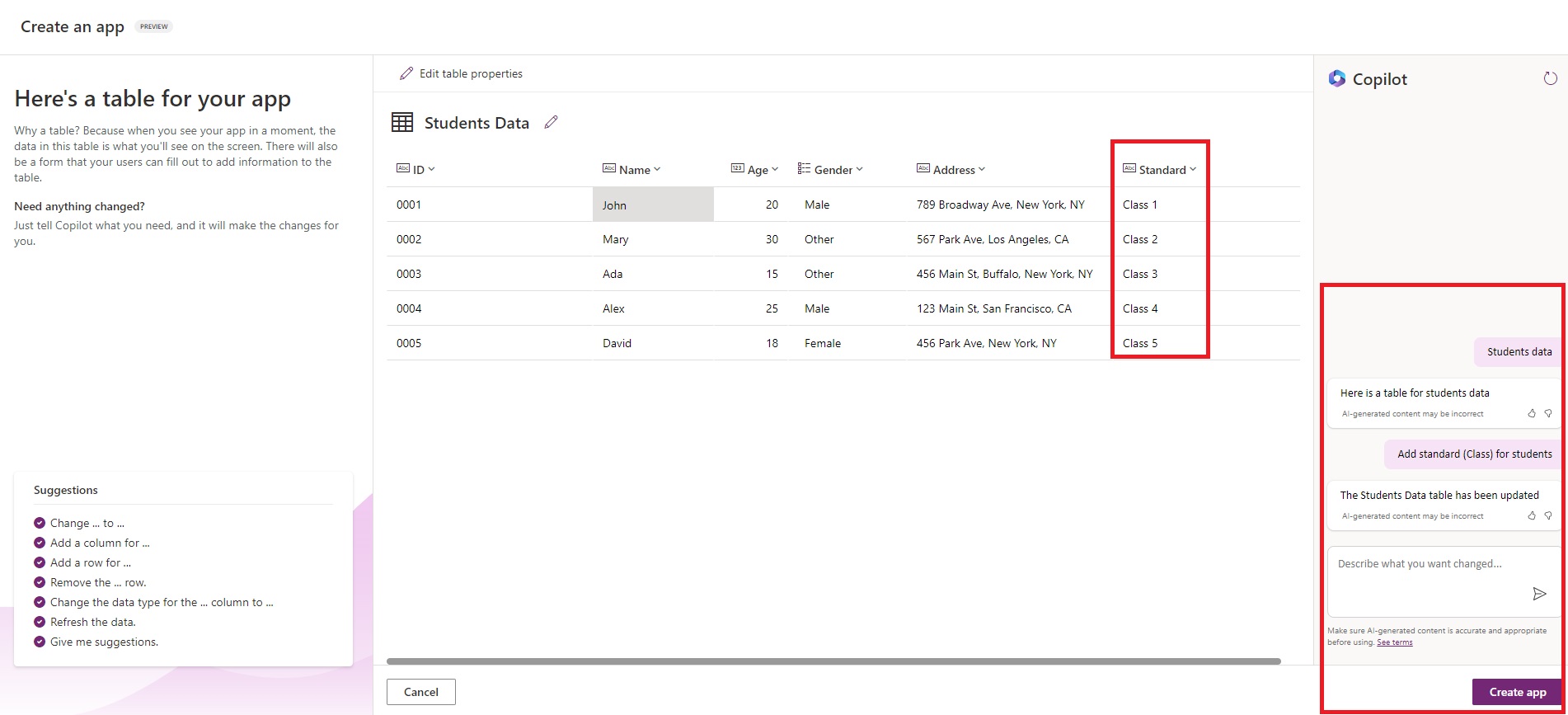
- Click on “Create app” after adding columns.
- After creating Canvas app, you can add screens, buttons and many more configurations.

- You just need to describe in the text box for your requirements.
- Let’s add some screens and with buttons for navigation.
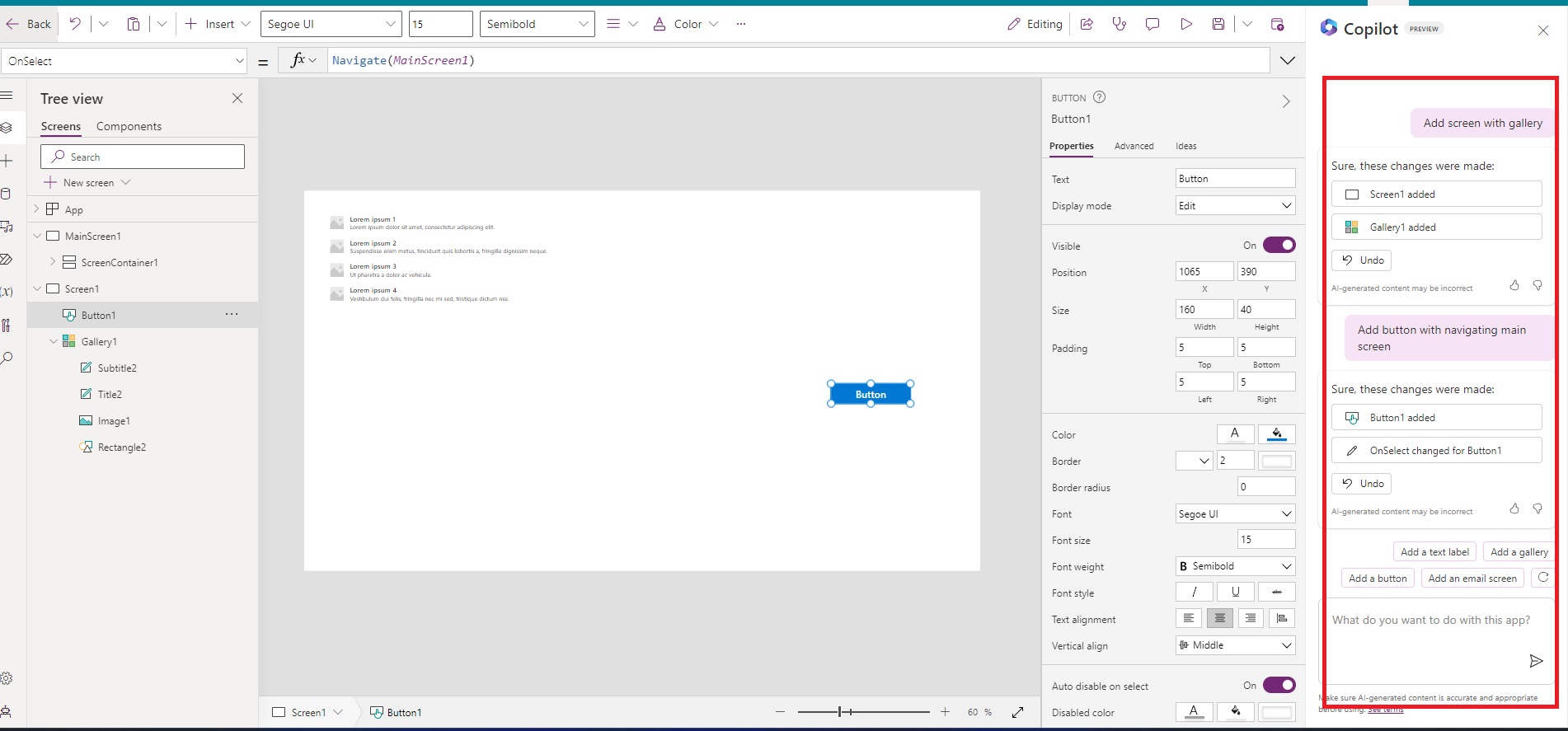
Output:
Hope it helps!
Power 365ing as usual!
Any requirements, implementation or consulting work in Power Platform or Dynamics 365 – end user, Microsoft partner or an individual?
Problem Area – Technical, Functional, Training, Development or consulting?
Me and my team are here to assist, please fill the following form for your business needs: Click here

 MSDYNAMICSBLOG BY DEEPESH