
Data imports are a cool feature in CRM to import bulk data, do bulk edits in excel with re-import option and then re-import the changes.
Highlighted Account record names were added in error.
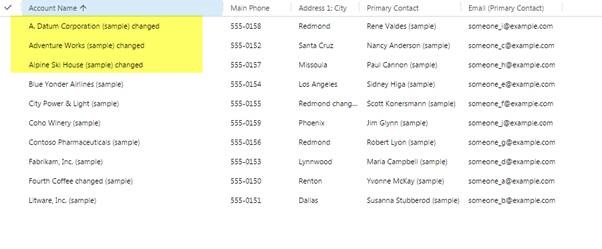
Accidentally wrong import file was used, how to roll back now?
Just pick the option, All Records imported to the Entity during this import

Then a bulk deletion job option will appear, what is cool is it can also delete the import job history:

Once ok is clicked, it will trigger a background system job.
After some time, the imported records will be deleted.
Note: Changed column values will not be rolled back.
Hope it helps!
 MSDYNAMICSBLOG BY DEEPESH